Installation
Install the OXID Security Module for your OXID eShop version 7.4.
Prerequisites
You have OXID eShop version 7.4.
Procedure
Open a shell and navigate to the root directory of your OXID eShop installation (the one containing
composer.json).Example:
cd /var/www/oxideshop/
Run the following command:
composer require oxid-esales/security-module ^3.0.0
Run the database migrations to create the database objects required by the module:
./vendor/bin/oe-eshop-doctrine_migration migrations:migrateActivate the module in the admin panel under or from the command line.
./vendor/bin/oe-console oe:module:activate oe_security_module
Result
As soon as the installation process is complete, the OXID Security module appears in the administration area under (Fig.: OXID Security Module installed and activated).
Two-factor authentication is disabled by default after installation — both shop-wide and per customer. Enable 2FA shop-wide as the shop admin so your customers can switch on the feature themselves in their account.
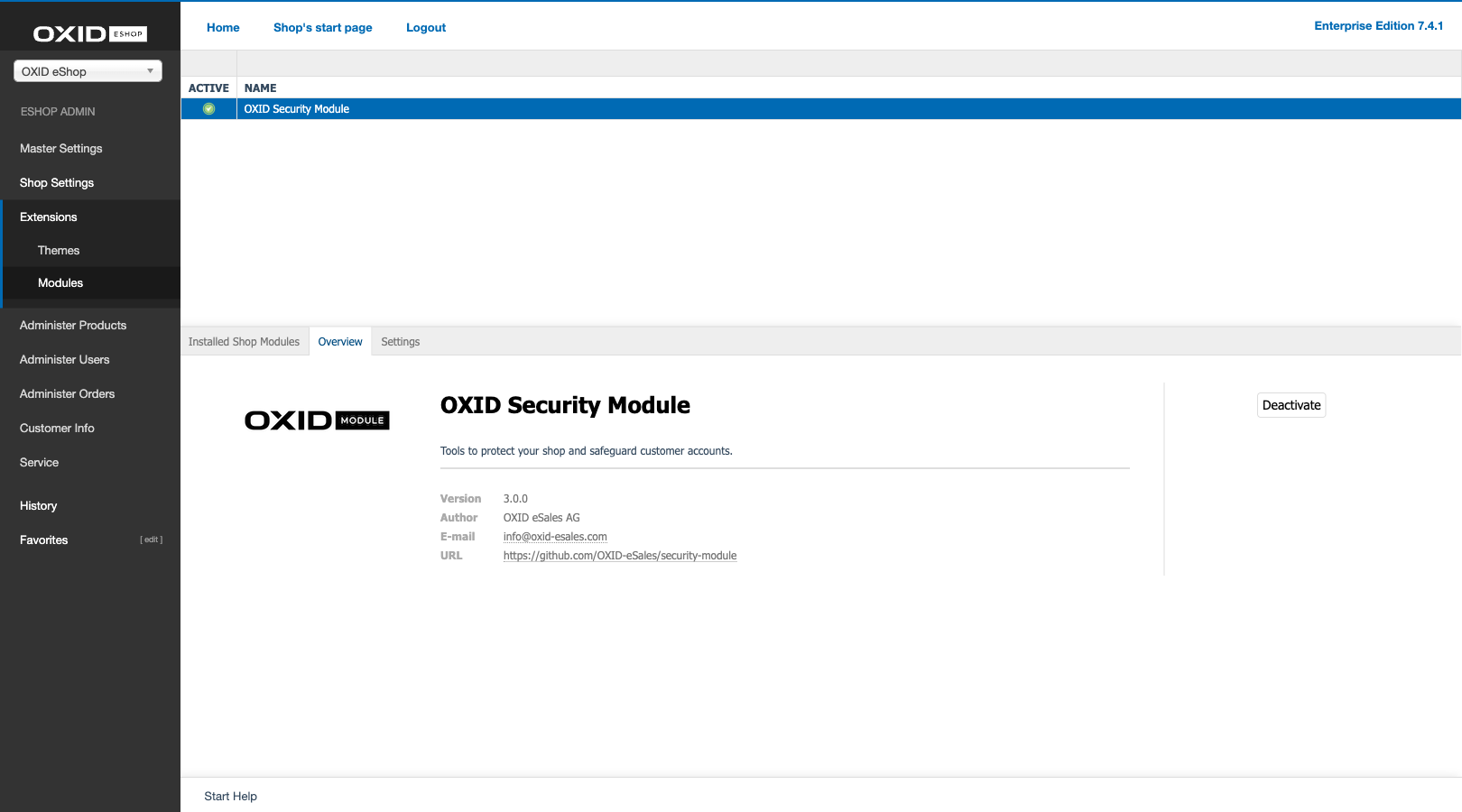
Fig.: OXID Security Module installed and activated